Endless carousel styles. None of them generic.
Get a feed that feels like you.

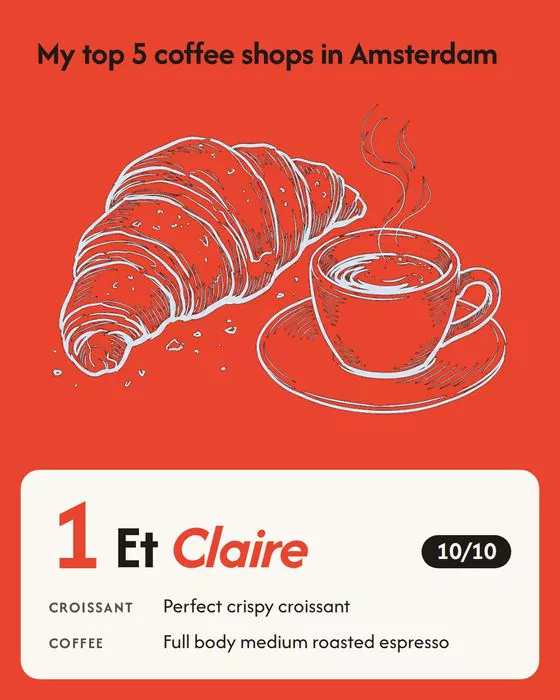


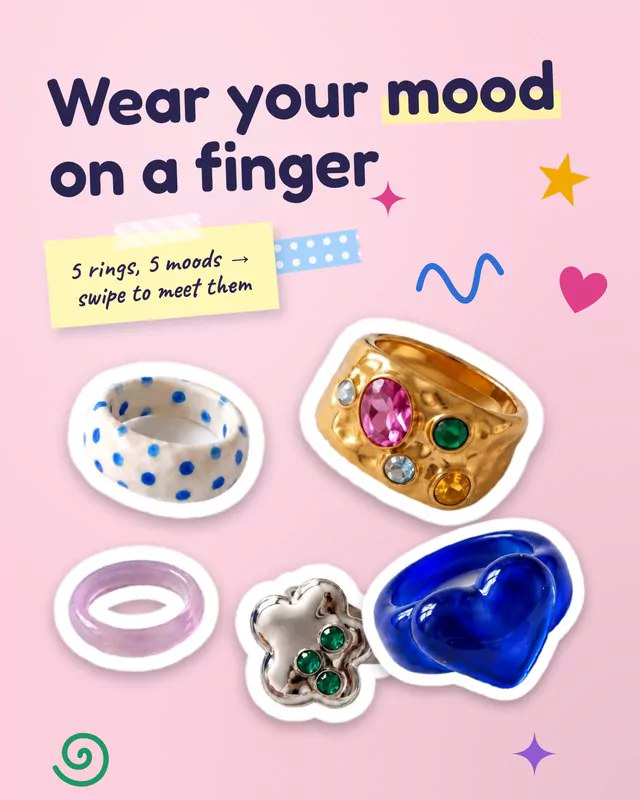

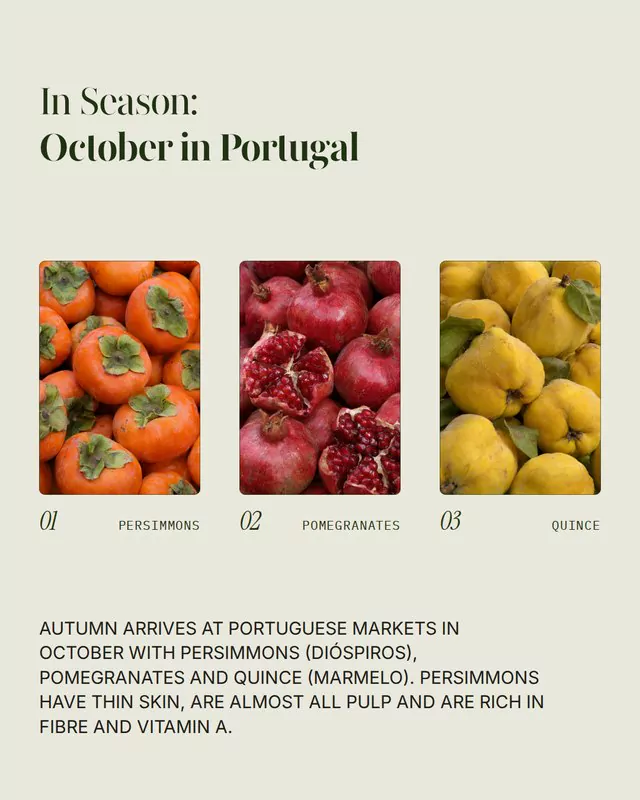

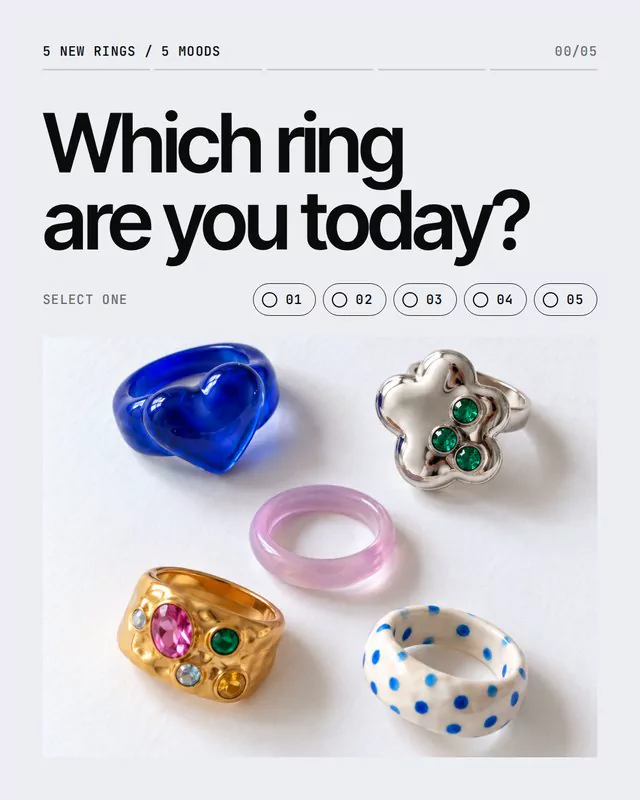

Cover looks from Atlas. Each one becomes your own version.
You know what to say. Making it look good is the hard part.
Design tools take hours, and some skill: pick a template, swap the text, drag photos onto slide after slide, fix the spacing, repeat. AI tools are faster, but their carousels all look alike: the same glossy gradients, the same too-perfect faces, the same fonts. People scroll right past them.
Kinetik takes out the hours and the skill, and keeps your taste.
Bring what you have. Kinetik does the rest.
An idea, a text, your photos or a post you love: every starting point works. Here’s what people send, and what they get back.
I only have an idea
Kinetik researches the topic, writes every slide and draws the illustrations.
 Kinetik
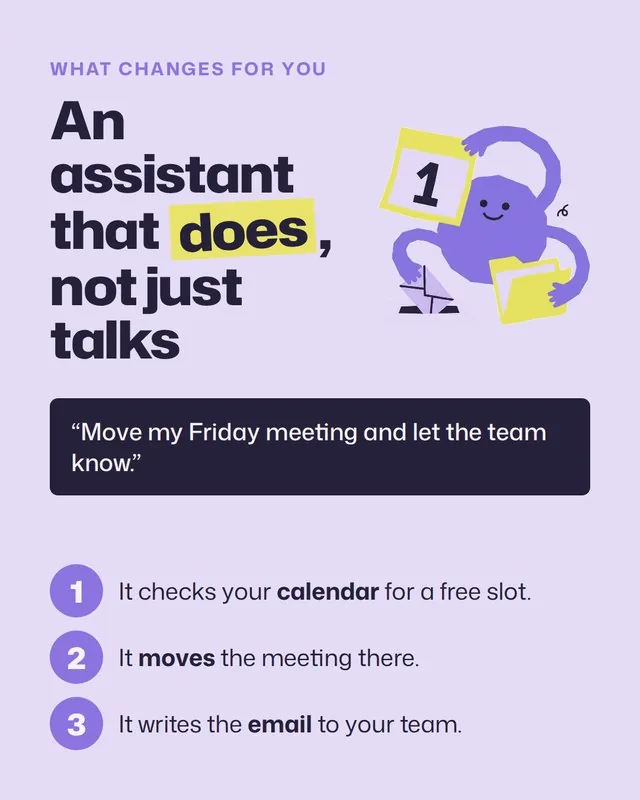
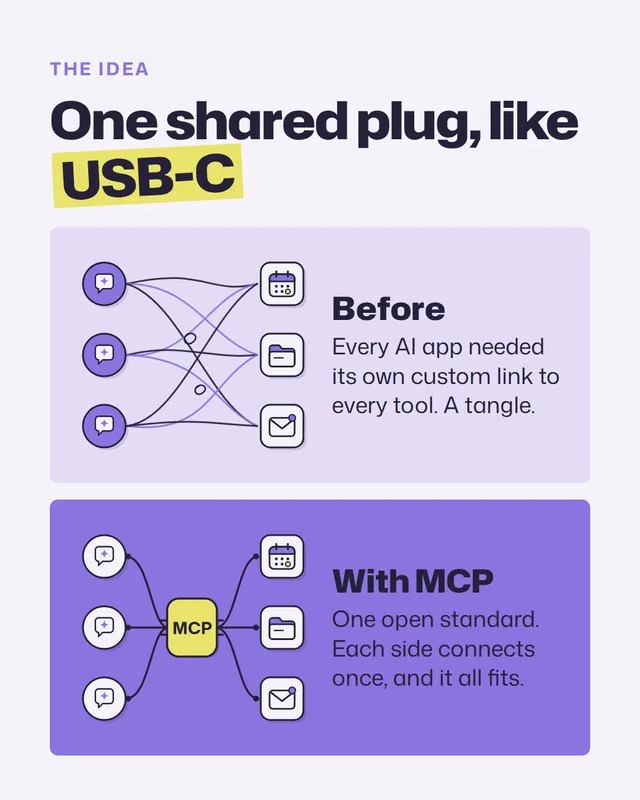

I have an idea and a reference
Share a post you like or your own photos. Kinetik follows the mood and adds its own design.
Kinetik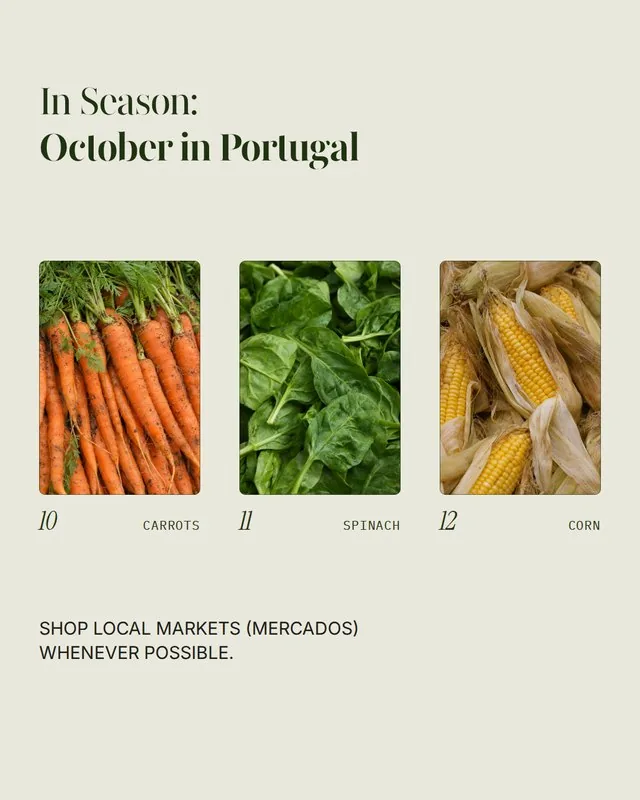
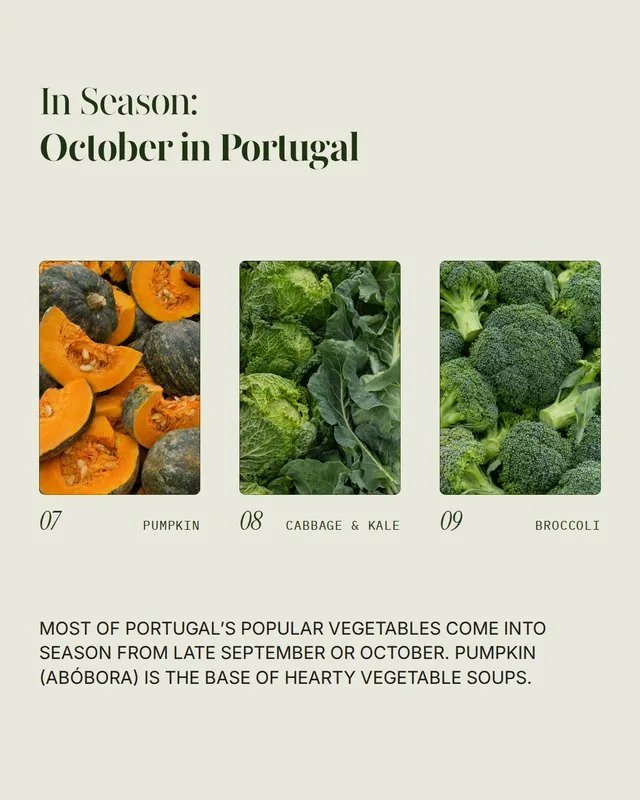
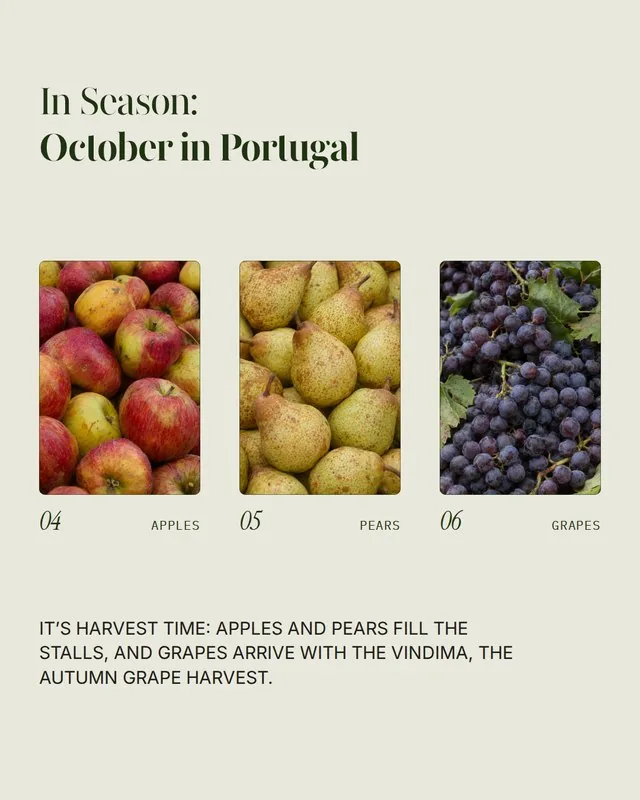
I have the texts
Kinetik keeps your words, lays out every slide and draws whatever is missing.
Kinetik
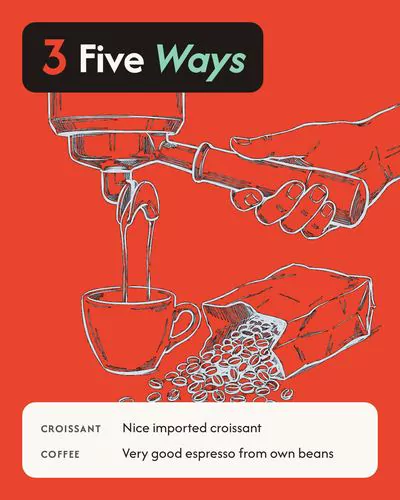
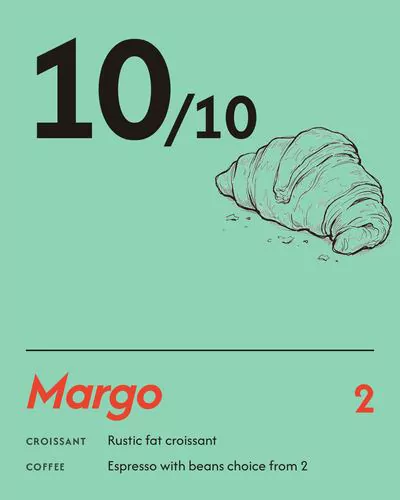
I have the texts and photos
Kinetik keeps your words, matches every line with the right photo and designs the set.
Kinetik


 4 photos
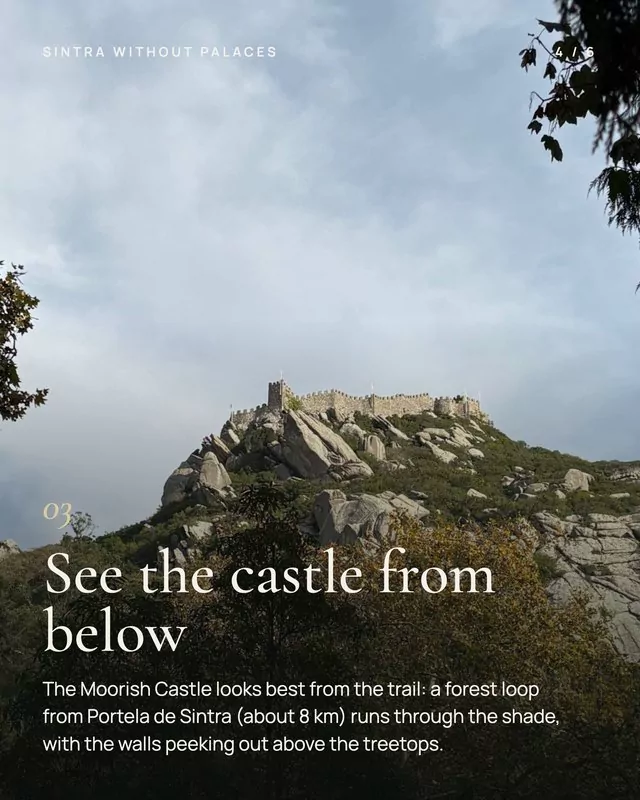
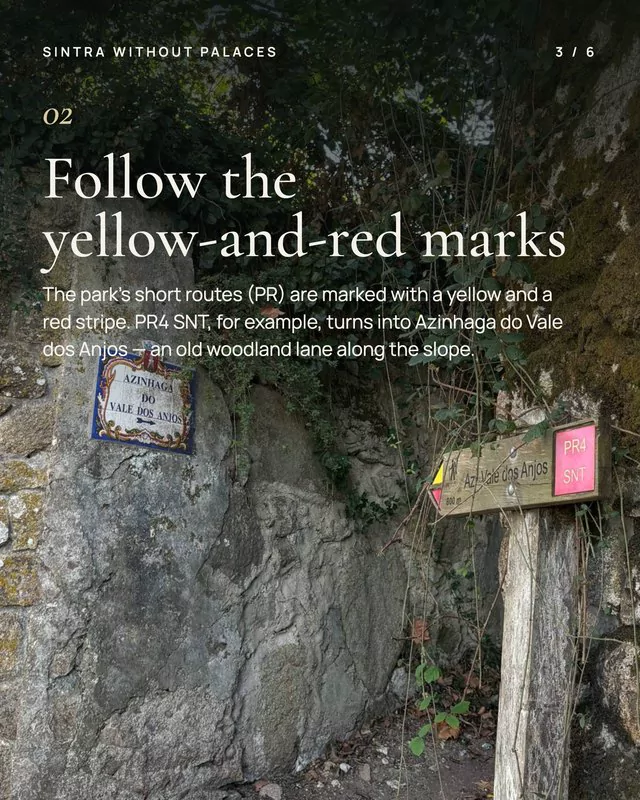


I just send a voice message
Talk it through on the go. Kinetik turns your words into a finished set.
Kinetik
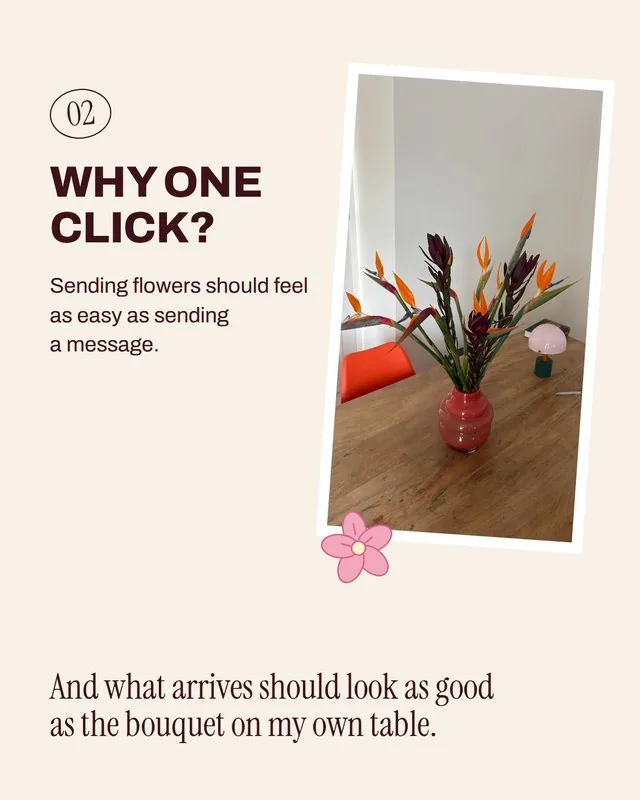


I have a brand
Send your colors, fonts or past posts. Every slide follows them.
Kinetik
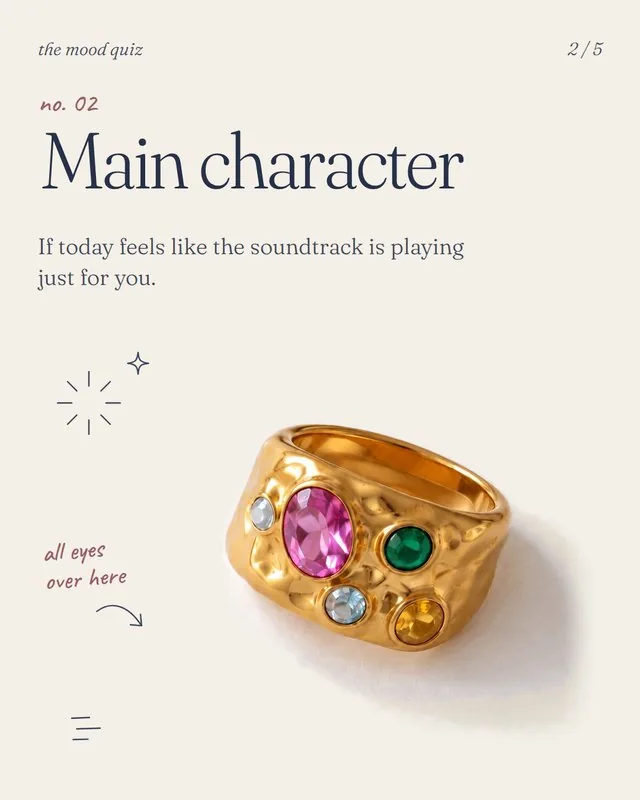
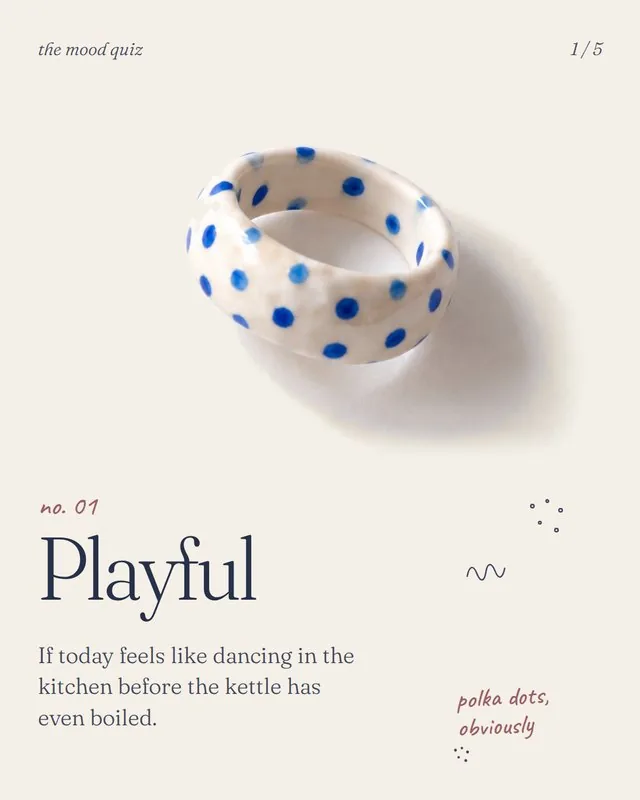
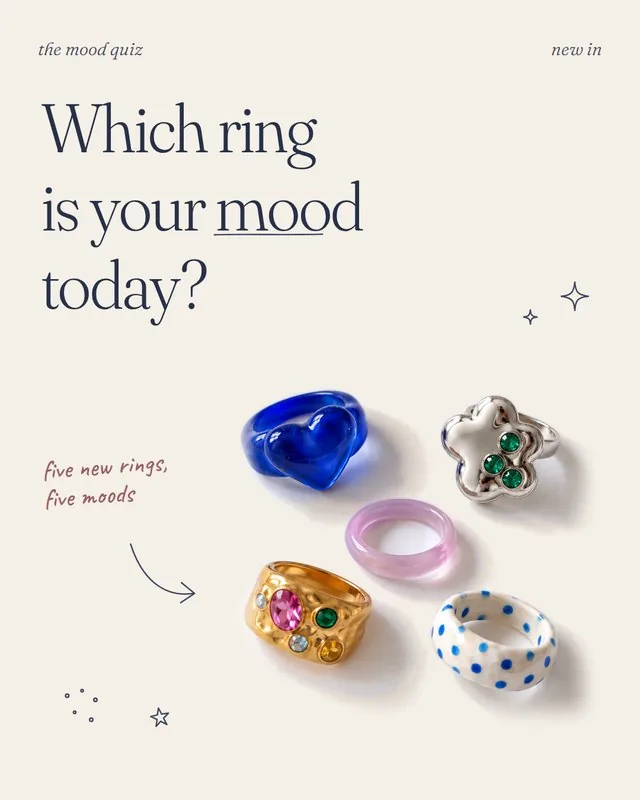
Every style, taught by a designer
Kinetik doesn’t pick from a shelf of templates. It runs on a semantic generator with endless combinations.
Ränte, our designer, built the map it navigates by: thousands of parameters, from palettes and typefaces to illustration styles and the character of a layout, each tied to the mood and meaning it carries.
Meet Ränte, the designer behind style systems

“Every colour, typeface and layout carries a mood, an era, a flavour. So I didn’t give Kinetik templates. I drew it a map for finding its way through endless aesthetic combinations.”
So Kinetik reads what your post is about, finds its way through the aesthetics that fit, and builds a style for it. Different every time, never random.
One look, cover to last slide
Each style runs through the whole set, and every slide has its job: cover, content, facts, closing call to action. Layouts include text-only, full-bleed photo, cut-out photo, half-and-half, framed photo and collage.
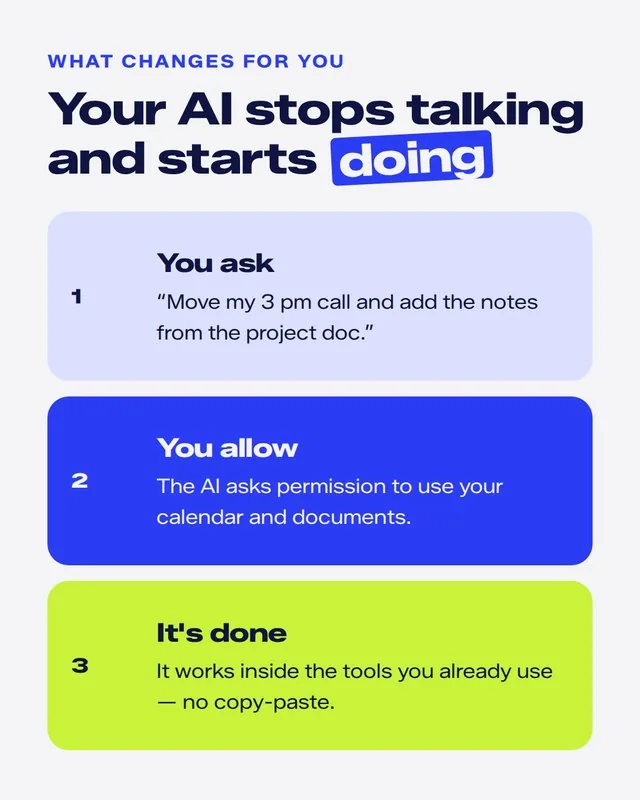


See them all in Atlas
Not sure what to choose? Pick a design in Atlas, and Kinetik makes one like it for your topic. Use it as is, or as a first version to edit.
Set your style once. Use it on every post.
No templates, no dragging, no design skills. Bring your design system or a few posts you love: Kinetik remembers what you like and keeps it for every next carousel.
- Share your idea. One line or a full brief, in text or a voice message.
- Bring your style and references. Upload your design system, or send a few posts you love: Kinetik picks up their mood, colors, type and layout.
- Approve the plan. See what each slide will say before it’s designed.
- Get the full set. Every slide, plus a ready caption. Fine-tune anything, then publish.
- Kinetik remembers. Every look you pick and every change you ask for goes into your own system, so the next carousel starts in your style.
Inspired, never copied: Kinetik never takes someone else’s text, photos or brand from a reference.
Easier than a design tool
| Feature | Design tool | Kinetik |
|---|---|---|
| You start with | A blank template | Your idea, in a text or voice message |
| Slide texts | You write them | Kinetik writes them, you approve |
| Photos and layout | You drag and resize on every slide | Done for every slide |
| One look across the set | By hand | Built in, on every post |
| Skills needed | Some design skills | None |
| Time per carousel | [~2 hours] | 3–4 minutes to the first version |
Frequently asked questions
What can I start from?
Anything: one line, a full brief, your own texts, your photos, a post you like or a voice message. Kinetik fills in whatever is missing.
How is this different from templates?
Kinetik doesn’t fill in a template. It reads what your post is about and builds a style for it from thousands of design parameters, so no two carousels come out the same.
Can I use my own brand or references?
Yes. Upload your design system, brand colors and fonts, or send a few posts you love. Kinetik follows them and adds its own design touch, without copying anyone’s text, photos or brand.
Will it remember my style?
Yes. Kinetik keeps the looks you pick and the changes you ask for, so your next carousel starts in your style.
How long does it take?
About 3–4 minutes to the first version. You approve the slide plan before anything is designed.
Do I need design skills?
No. Kinetik plans the slides, writes the copy, picks and frames the images and keeps one look across the set. You review and approve.
Can I edit the carousel after it’s made?
Yes. Ask Kinetik in plain words to change the copy, images or layout, or fix anything yourself in the editor.
Where can I use Kinetik?
In the Kinetik app (download it from the App Store) and in ChatGPT.
Can I try it for free?
Yes. The free trial includes 50 credits, enough for up to 25 slides. No card needed.