How to Create Group Class App in Several Minutes
 Nikolay KononovEditor at Kineto Mag
Mar 19, 2026
Whether you're a coach, guide, or a couples therapist, this piece will save you a tons of time.
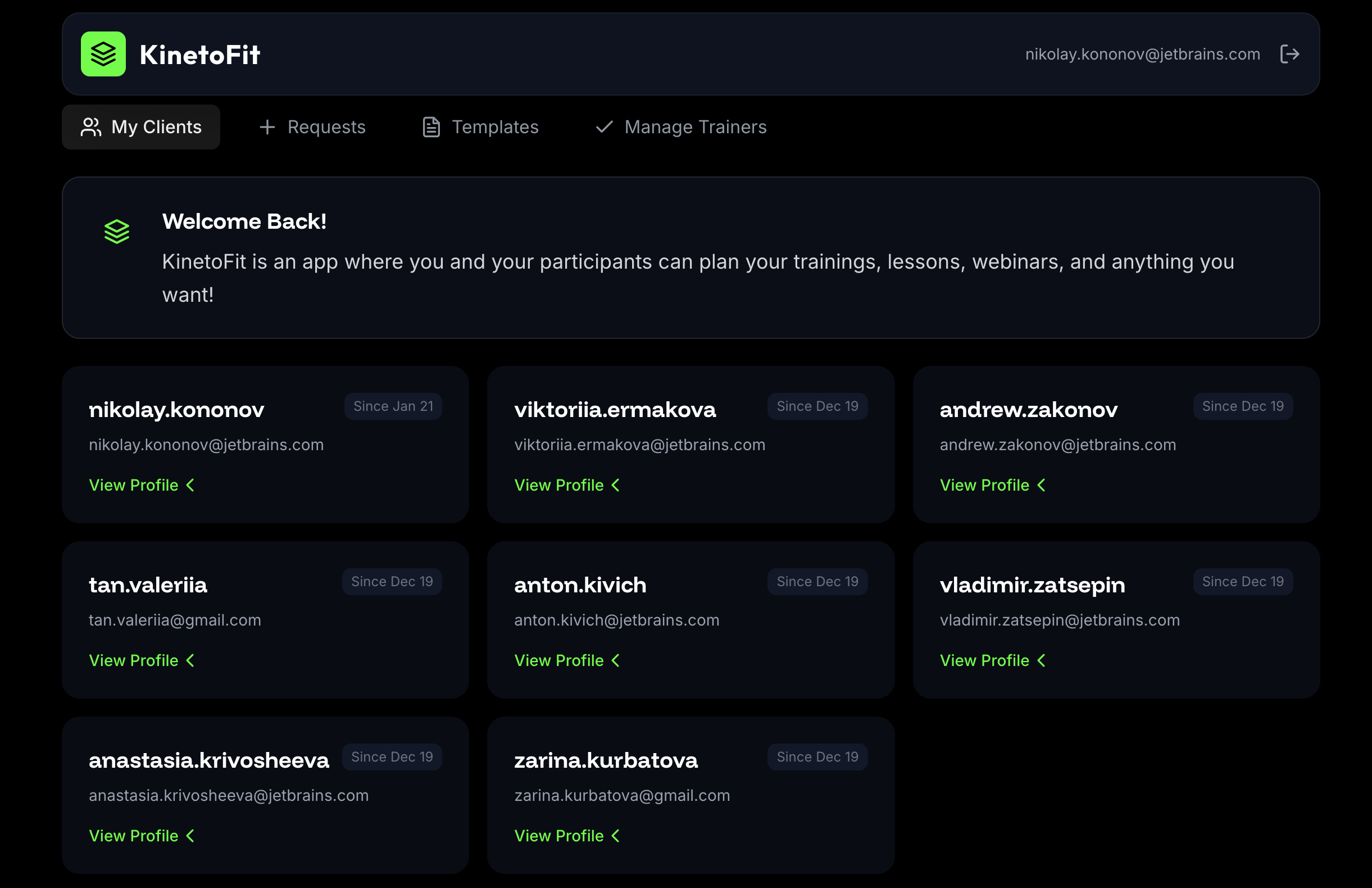
Many leaders of classes are accustomed to using generic apps to manage participants and track and discuss results. As there are many creators of this type, there are also many aspects to take into account. For example, the functions of an app for one team may differ from those for another.
Therefore, we compiled a checklist on how to easily make apps using no-coding tools. We chose Kineto specifically because it's a service tailored to creators.
The initial prompt should contain all the basic information
Clearly explain the app's concept and key features, and indicate who will use it. When choosing a style, express your UX/UI priorities. Describe all your needs when asking about style. If you choose to use your own style, you may attach an image to serve as a palette or style reference.
Here is the perfect sample:
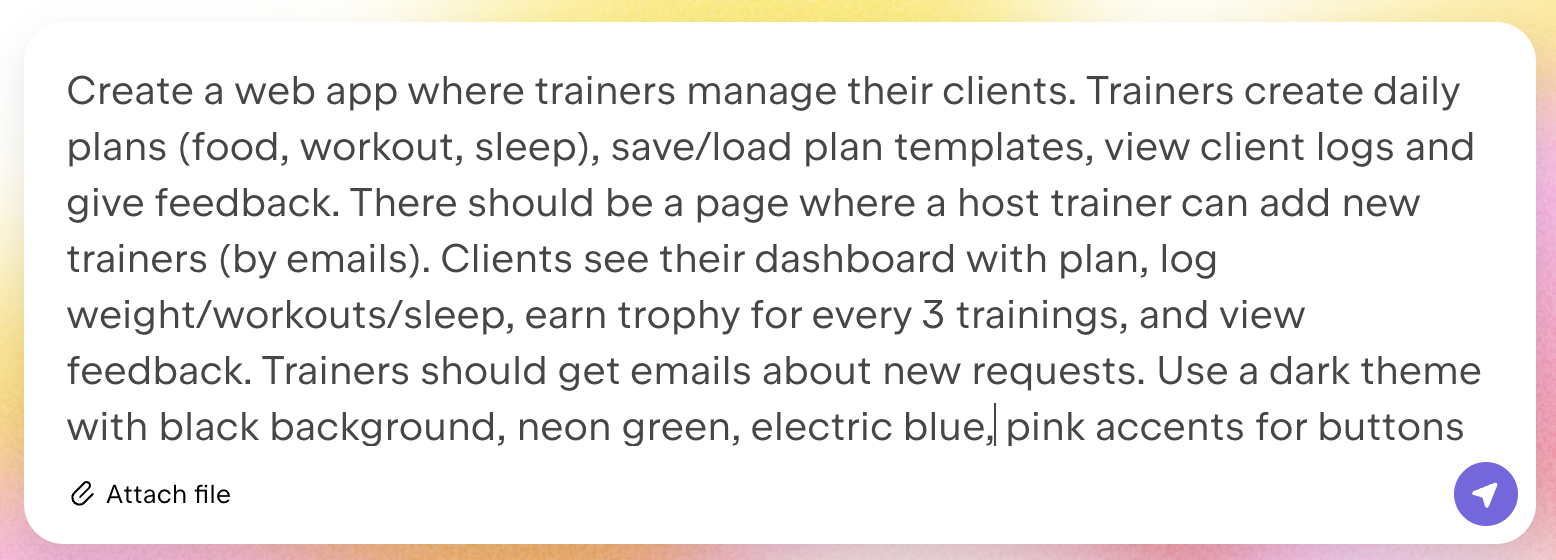
Clearly stating what data you'd like to store and what access each role has is also helpful. Specifically, clarify who can edit content, who can view it, which content is visible only to the owner, and which is public and accessible to all users.
Better expand or reduce the task list at the Key Points stage
When Kineto provides a Key Points list detailing what it plans to do to build your app, you can review the list and add or change tasks as needed.
If the AI isn't achieving your desired result and the generation is going completely wrong, it's best to try starting from scratch and creating a new version of your app.
Be as specific as possible when editing individual features
When making incremental changes to an existing feature or function, prompt exactly what, where, and how you want to change the app.
Effective: Describe the current behavior of the app or its specific function if it isn't working properly. Follow this description with the desired behavior.Ineffective: Provide implementation details for a particular feature and request the use of specific technologies and databases.
Instead of saying, "Change the text from such-and-such to such-and-such," say, "Change the text from such-and-such to such-and-such on this page and on this button." If that doesn't work, try rephrasing the request or breaking the change down into smaller subtasks.
You can also change the ready-made design
Even if you've chosen a style suggested by the AI itself, you can still completely change it. Any way you like. Just ask Kineto.
Effective: Submit small, focused changes.Ineffective: Include several unrelated changes in a single request.
If something doesn't work, try rephrasing the prompt or breaking the task down into smaller prompts.
Starting from scratch? Easy!
If you want to make major changes to an existing app, such as changing the style, images, logo, or name, then you should ask the AI directly to do it.
Be bold with your ideas, and don't be afraid to experiment. It's better than not trying and ending up with a result you're not happy with. After making successful changes, don't forget to click the Publish button to update the app.
Here is a group training manager created this way. Feel free to use it if it meets your goals!
Nikolay KononovEditor at Kineto MagMar 19, 2026