
How to connect Kinetik to WhatsApp
- Telegram
Get your Kinetik agent ready in 5 steps. Step 1: connect WhatsApp, where you and Kinetik will talk every day.
Kinetik is an autopilot agent for your social media. It plans, researches and drafts your content, and it does all of that from WhatsApp.
So the first step of setup isn’t a dashboard. It’s linking the WhatsApp you use every day to your Kinetik account. It takes about two minutes, and every later step happens in that same chat.
How to connect Kinetik
- Open kineto.app ↗
- Tap Connect WhatsApp. WhatsApp opens in Kinetik’s chat with a message already typed: “Tap send to activate Kinetik” and your activation code.
- Tap send. Don’t edit the message, just send it from the phone you’ll use with Kinetik. This is the step that links the two.
- Drop your Instagram or TikTok @. Kinetik replies straight away, asks for your handle and shows this week’s trending effects to try on your photo.
Why the activation code matters
Until the code arrives, Kinetik doesn’t know which account this WhatsApp belongs to. The code is what connects your number to your account, so your brief, your social accounts and your drafts reach only you.
- Send it as it is. The code is long on purpose. Don’t retype it, shorten it or add words, just tap send.
- Send it from the right phone. The number that sends the code is the one Kinetik will talk to.
- Keep it to yourself. Anyone who sends your code can link their WhatsApp to your account.
Why WhatsApp comes first
Kinetik is built to work where you already are, not in another tab you have to remember to open.
- You’re already there. Ideas and drafts land between your other chats, so nothing waits unseen.
- Setup continues here. You can connect your social accounts and keep all briefs, sources, ideas, and routines in one conversation. The agent remembers everything and keeps your full context.
- You talk the way you talk. Type a line, forward a link or send a voice note on the go.
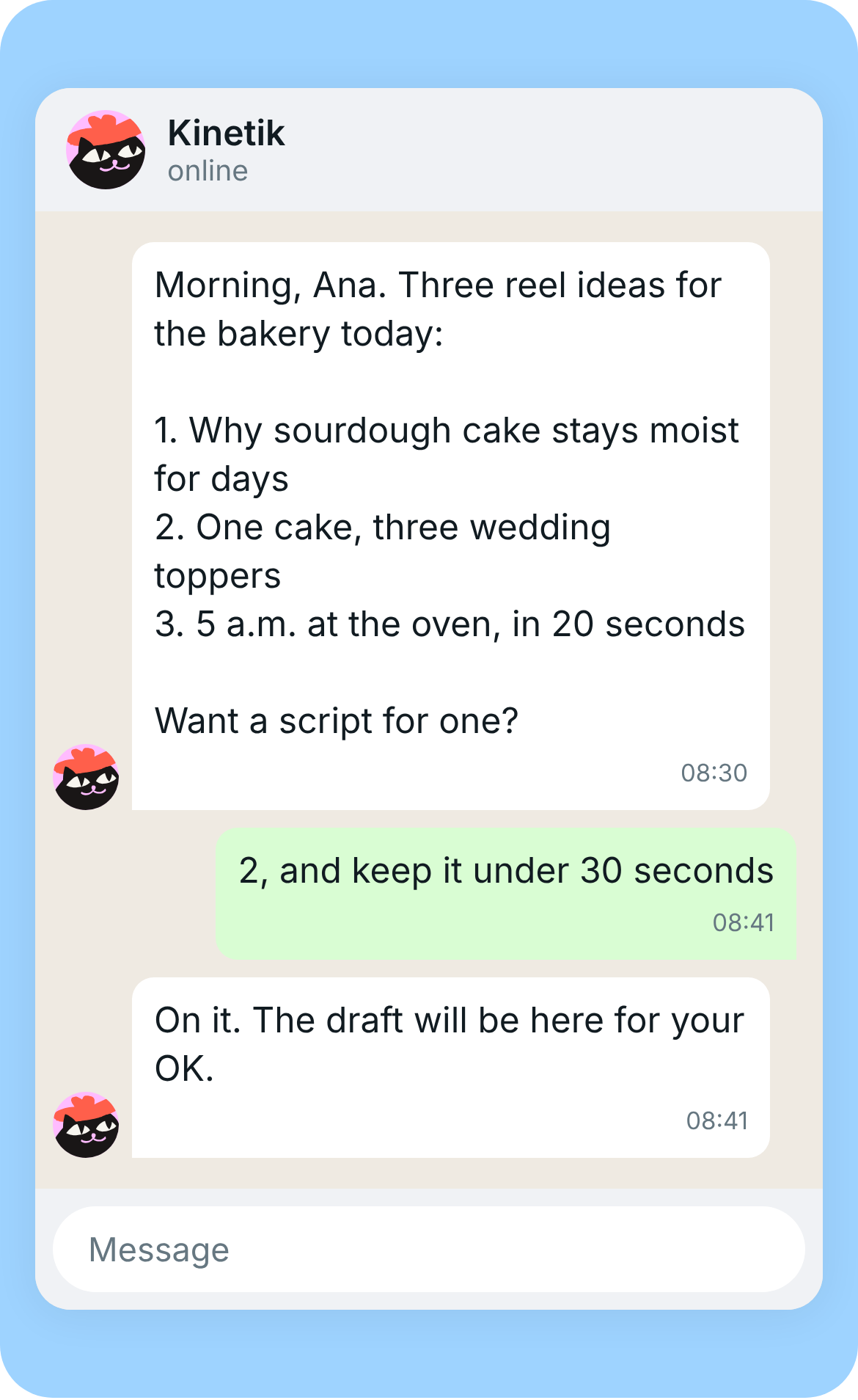
- Nothing goes out without you. Drafts arrive in the chat and wait for your OK.
One tip before you move on
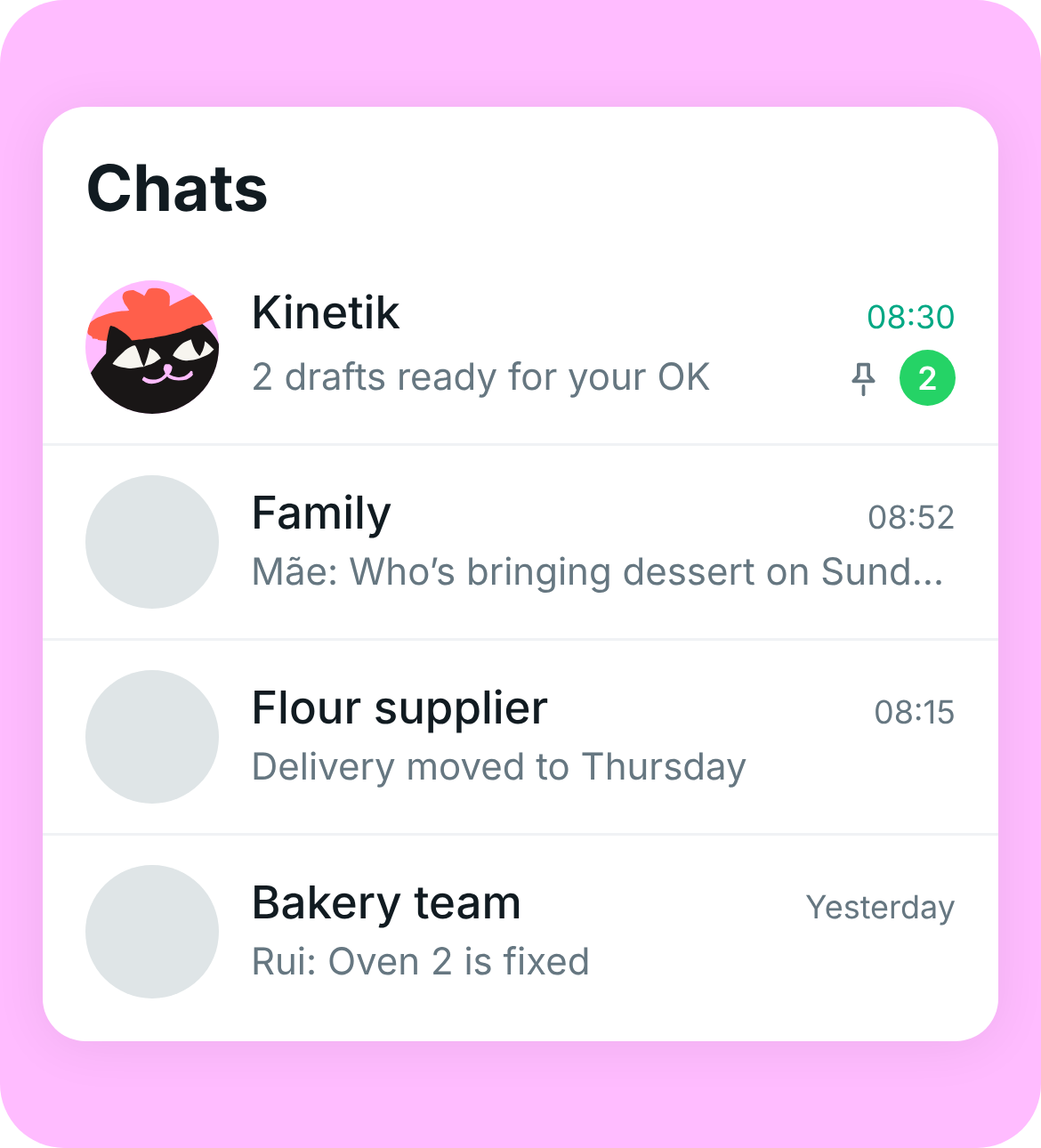
Pin the Kinetik chat and keep notifications on. Morning ideas and drafts waiting for your OK are time-sensitive, and a pinned chat keeps them above the group chats.
Integrations








'/%3e%3c/svg%3e)
'/%3e%3c/g%3e%3c/svg%3e)

'/%3e%3cpath%20id='Path-3'%20fill-rule='evenodd'%20clip-rule='evenodd'%20d='M5.20555%2011.8733C8.55804%2010.3492%2010.7936%209.3444%2011.9121%208.85893C15.1058%207.47282%2015.7694%207.23204%2016.2019%207.22408C16.2971%207.22234%2016.5098%207.24694%2016.6475%207.3636C16.7639%207.46211%2016.7959%207.59518%2016.8112%207.68858C16.8265%207.78197%2016.8456%207.99473%2016.8304%208.16098C16.6574%2010.0585%2015.9085%2014.6632%2015.5276%2016.7884C15.3663%2017.6876%2015.0489%2017.9891%2014.7416%2018.0186C14.0738%2018.0828%2013.5667%2017.5581%2012.9199%2017.1157C11.9077%2016.4234%2011.3359%2015.9924%2010.3535%2015.3168C9.21804%2014.5361%209.95408%2014.1069%2010.6011%2013.4056C10.7705%2013.2221%2013.7129%2010.4294%2013.7699%2010.176C13.777%2010.1443%2013.7836%2010.0262%2013.7164%209.96385C13.6491%209.90148%2013.5499%209.92281%2013.4783%209.93977C13.3768%209.96381%2011.7598%2011.079%208.62752%2013.2853C8.16856%2013.6142%207.75285%2013.7744%207.38039%2013.766C6.96978%2013.7568%206.17993%2013.5238%205.59276%2013.3246C4.87257%2013.0803%204.30018%2012.9512%204.35003%2012.5363C4.37599%2012.3202%204.66116%2012.0992%205.20555%2011.8733Z'%20fill='var(--fill-0,%20white)'/%3e%3c/g%3e%3cdefs%3e%3clinearGradient%20id='paint0_linear_0_33'%20x1='11.5'%20y1='0'%20x2='11.5'%20y2='23.822'%20gradientUnits='userSpaceOnUse'%3e%3cstop%20stop-color='%232AABEE'/%3e%3cstop%20offset='1'%20stop-color='%23229ED9'/%3e%3c/linearGradient%3e%3c/defs%3e%3c/svg%3e)


Set up your social media autopilot in WhatsApp

By texting Kinetik, you agree to
the Terms of Service and Privacy Policy
- Telegram