Trending Animation Effects for Your Content, Now in Kinetik
0
 Inna FomenkoProduct marketing
Sep 21, 2026
Send a photo, type "Animate this photo," and Kinetik brings it to life.
Inna FomenkoProduct marketingSep 21, 2026
Send a photo, type "Animate this photo," and Kinetik brings it to life.
Kinetik ↗ now has animation effects for your photos, based on the motion styles trending on Instagram right now. The animation keeps your visual style, so an animated photo still matches the rest of your post. You can choose from three effects at launch:
Usually, animating a photo means opening a video editor, placing effects on a timeline, and figuring out the right settings to save your video. With Kinetik ↗, you skip all of that.
You describe the effect you want, and Kinetik does the editing for you, so you don't need any video skills to get a moving post. Try the new effects here ↗.
Can AI animate a photo for Instagram? Yes. In Kinetik, you send a photo with "Animate this photo," choose an effect, and get an animated version back in seconds.
Which animation effects are available? At launch, you can choose animated shapes (like stars and flowers), timelapse, and living print. We'll update the range of trending effects soon, so stay tuned.
Do I need video editing skills? No. You describe the effect in words, and Kinetik handles the motion.
Will the animation match my style? Yes, you can adjust the animation and correct it with your prompt, or send Kinetik a reference to match the colors and shapes.
How is this different from animating in Canva or CapCut? You write one sentence instead of editing a timeline, and the result arrives in minutes.
Inna FomenkoProduct marketingSep 21, 2026
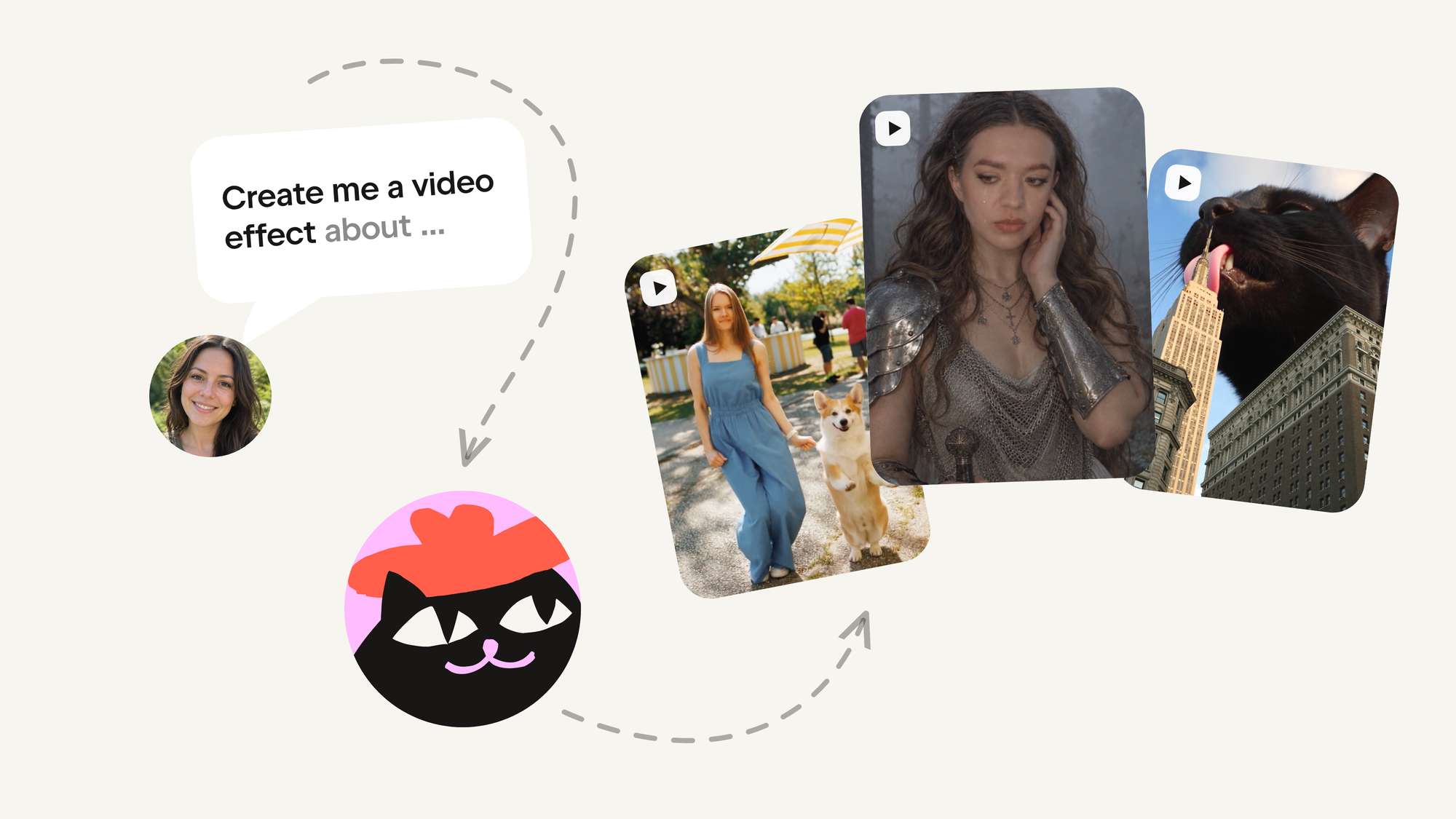
Build your video effect in Kinetik, and we'll put it in front of everyone



Bring a topic, and Kinetik writes the slides, chooses the images, and lays out the whole set — you just review, tweak, and publish.
AI did not just make coding faster. It moved the line between what you buy and what you build. Everything teams still rent from vendors on top of their own data now takes a few hours to build — and gets customized for you, not for somebody else's roadmap.