-
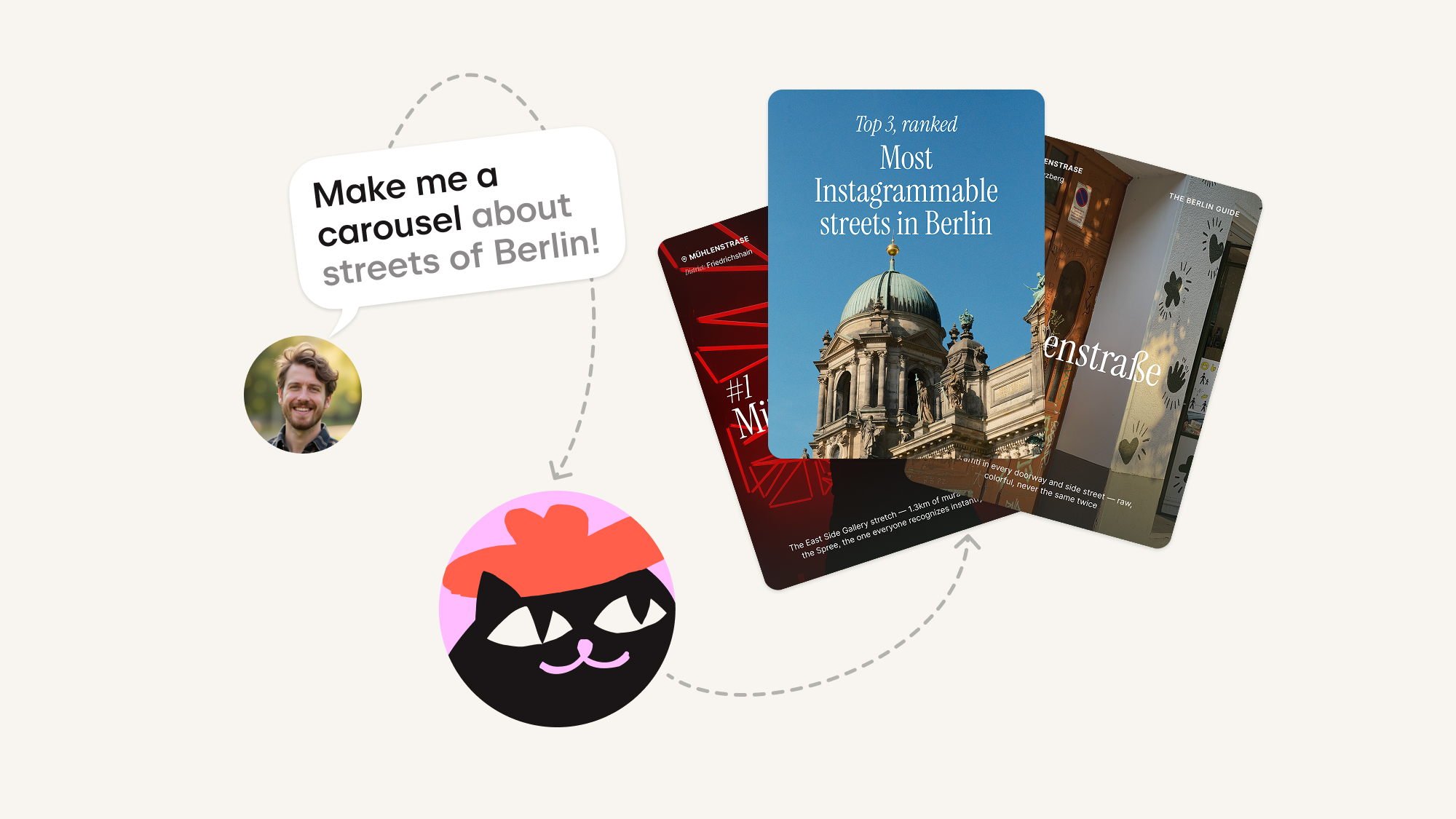
How fast is it, really? The first complete carousel comes back in about a minute. Refining happens in the conversation, so a publish-ready post takes minutes, not an afternoon.
-
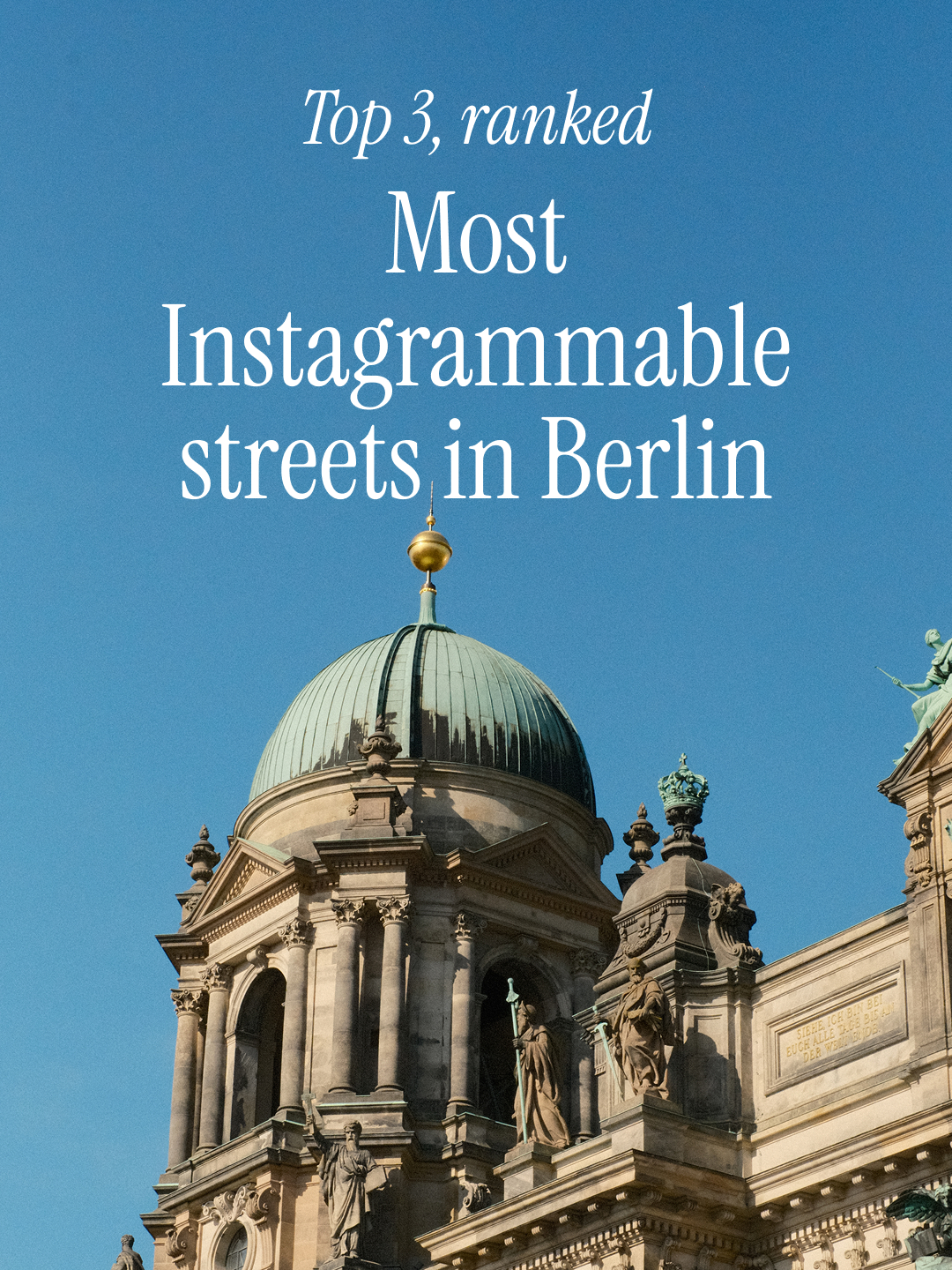
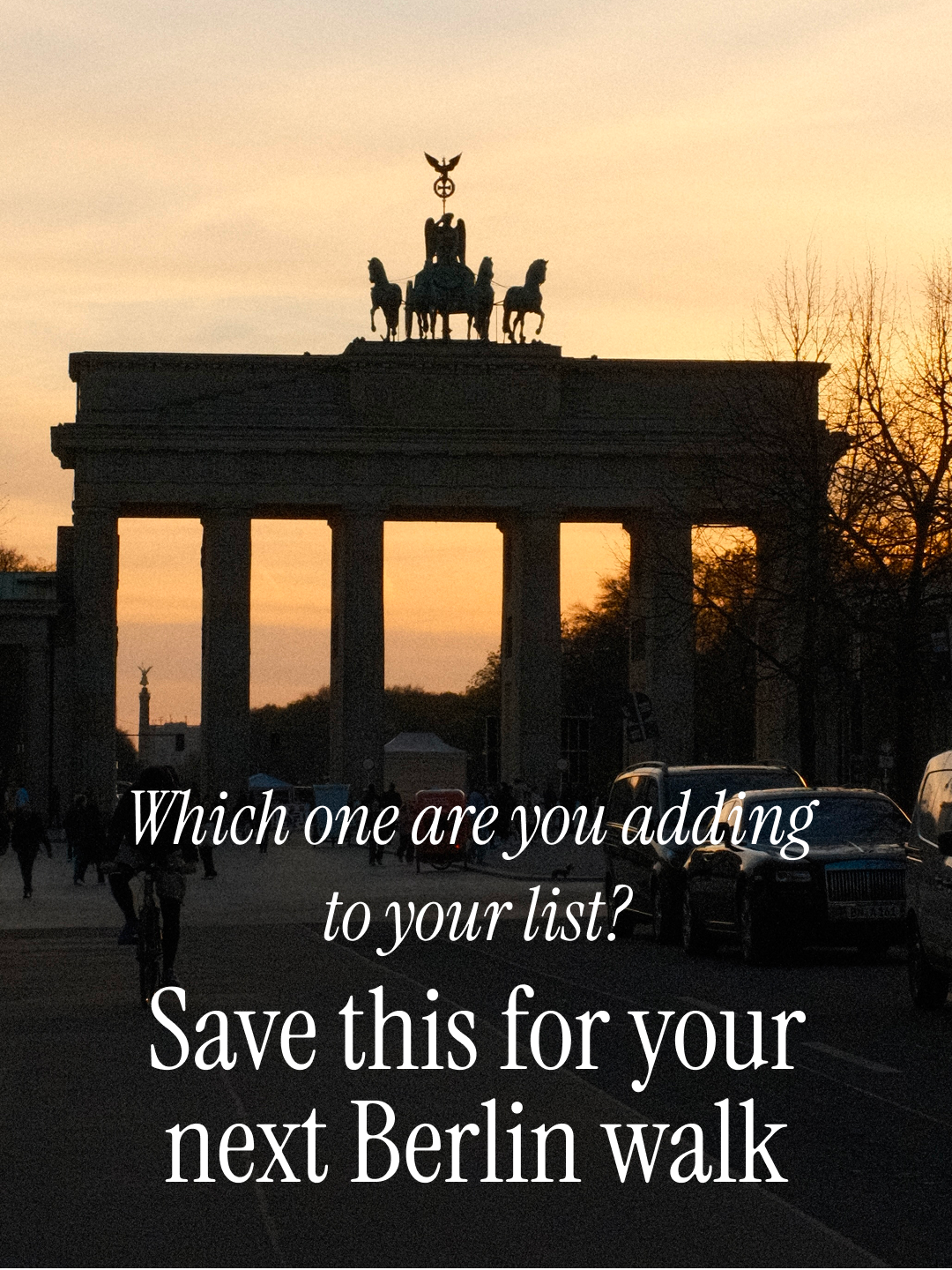
Do I need design or editing skills? No. Kinetik splits the text into slides, chooses and frames the images, and applies one consistent look across the set. You review and approve.
-
How is this different from using a template in Canva? A Canva template gives you a visual starting point. You still need to decide what to say, how to structure it, how much copy belongs on each slide, and how to adapt the template to your brand. Kinetik starts with the content problem and delivers a complete version — it's built for people who want to go from idea to editable output without assembling every slide by hand. Canva may still be the better choice when you want pixel-level control or a broader range of design assets. Carousel Designer is the faster route when the job is specifically to turn thinking into an Instagram carousel.
-
Will it match my brand style and voice? It reads the tone of voice from your account and keeps every edit consistent with it. Picking up the visual style and brand guides will be available soon.
-
Can Kinetik create a carousel from a voice note? Yes. You can describe the idea in a voice message. Kinetik can clarify the angle, organize the information, and turn it into a complete carousel draft.
-
Can I edit the carousel after it is generated? Yes. You can request changes to the copy, images, structure, or layout in conversation. The first version is a starting point, not a locked result.
-
What can I start from? A rough idea, a brief, a link to your blog, your own photos, or a voice note.
-
Can it post for me? Yes. Connect your account and Kinetik publishes the finished carousel for you.