
Kinetik now works inside ChatGPT
0
 Inna FomenkoProduct marketing
Nov 20, 2026
Add Kinetik in ChatGPT, type @Kinetik, ask for a carousel, a trending effect or a finished reel, and get a post that’s ready to publish — you just review, approve, and go.
Inna FomenkoProduct marketingNov 20, 2026
Add Kinetik in ChatGPT, type @Kinetik, ask for a carousel, a trending effect or a finished reel, and get a post that’s ready to publish — you just review, approve, and go.
The Kinetik connector lets you use Kinetik, an AI social media copilot, directly inside ChatGPT. You mention @Kinetik in a chat and ask for a carousel, a reel or this week’s trends; Kinetik creates the content for Instagram, TikTok and LinkedIn and publishes to Instagram or sends videos to your TikTok drafts only after you approve. It works on chatgpt.com and in the ChatGPT mobile app, with any Kinetik plan.
For a lot of creators, the post begins in ChatGPT. You brainstorm angles there, draft a caption, ask for hook ideas. Then the real work starts somewhere else: copying the text into a design tool, building slides, hunting for a trend, editing the video, exporting, uploading.
Now Kinetik , your social media copilot, is available as a ChatGPT connector. Mention @Kinetik in the same chat where the idea was born, and it hands back the finished content — slides, caption, reel — ready for you to approve and publish.
Give it a topic and get every slide plus a caption in your brand voice.
It finds what’s rising and applies it to your photos and clips.
It edits your footage into a reel and suggests hooks to open with.
It reads your Instagram account and shows what’s working and where to grow next.
Ideas for your next posts and a weekly trends update, without asking twice.
It posts to Instagram and sends videos to your TikTok drafts — only after you approve.
Kinetik keeps an eye on the feed and brings the effects that are rising right now into your chat. Ask for one by name — “make it huge”, “stylish knight” — or ask for a carousel about your own work.
It takes under a minute. You need a Kinetik account; any plan works.
Tap a prompt to open it in ChatGPT, already typed in. The first version is a starting point: keep talking in the same chat — “make the hook shorter”, “swap slide 4”, “try a different effect” — and Kinetik refines it.
The usual flow looks like this: ideas in ChatGPT, slides in a design tool, trends on your feed, video in an editor, posting in the app. Every handoff is another tab and another chance to lose the thread.
With the connector, ChatGPT is where the idea starts and Kinetik is where it gets made — in one conversation. It works on chatgpt.com and in the ChatGPT mobile app, so you can ask for a reel on the go and approve it later. Nothing gets posted until you say so.
Inna FomenkoProduct marketingNov 20, 2026
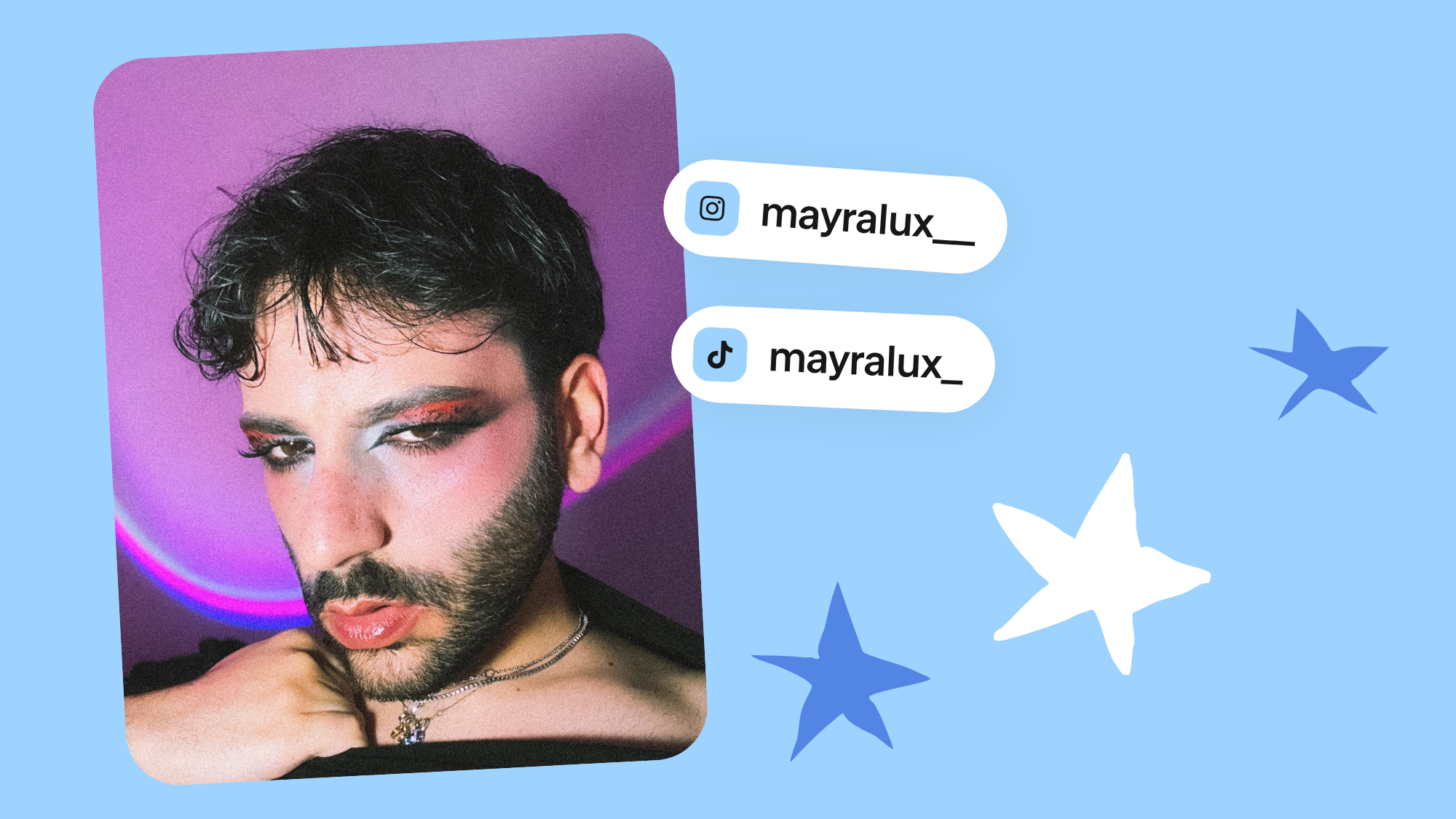
How a Makeup Artist Doubled His Video Views
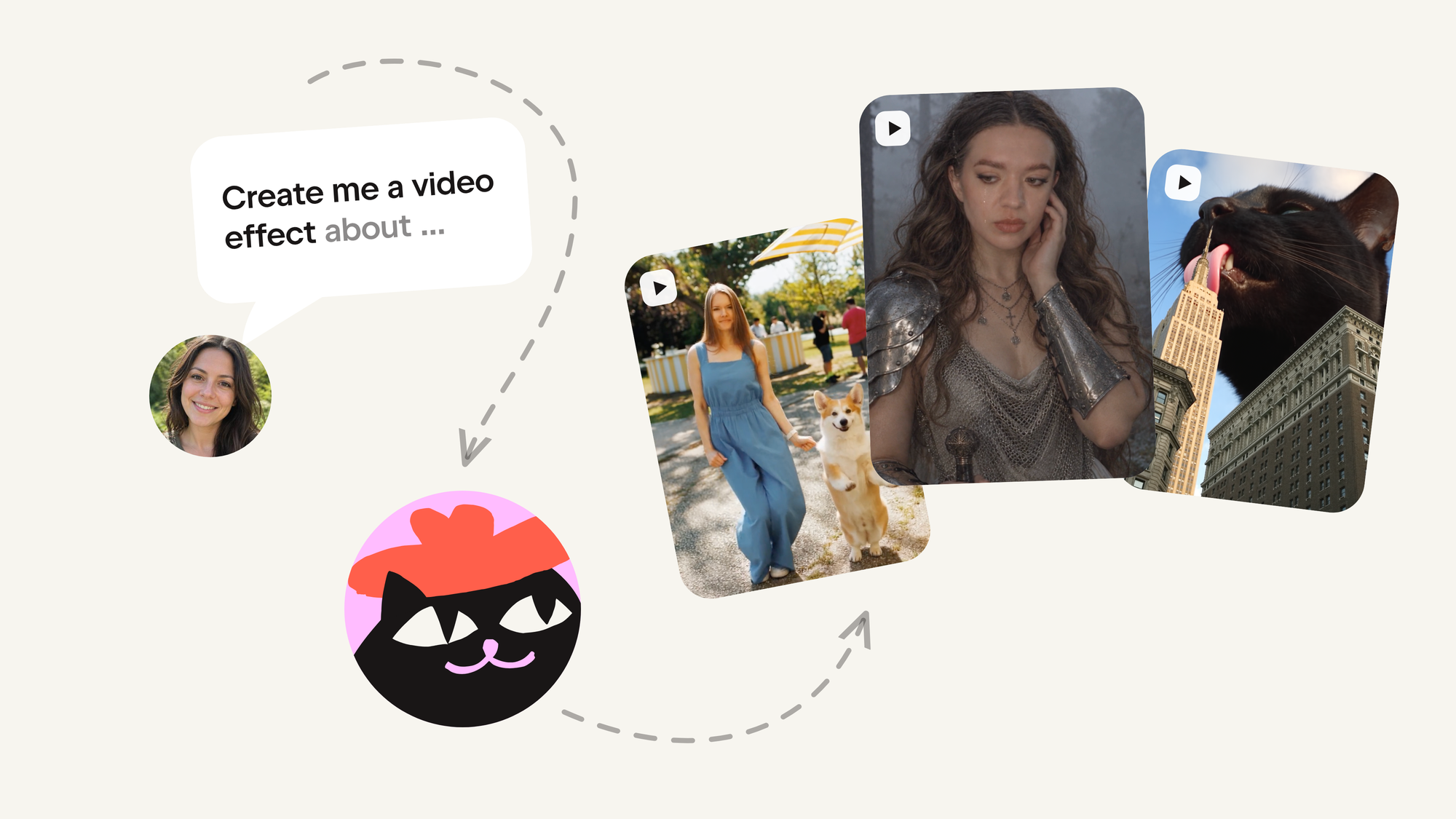
Build your video effect in Kinetik, and we'll put it in front of everyone
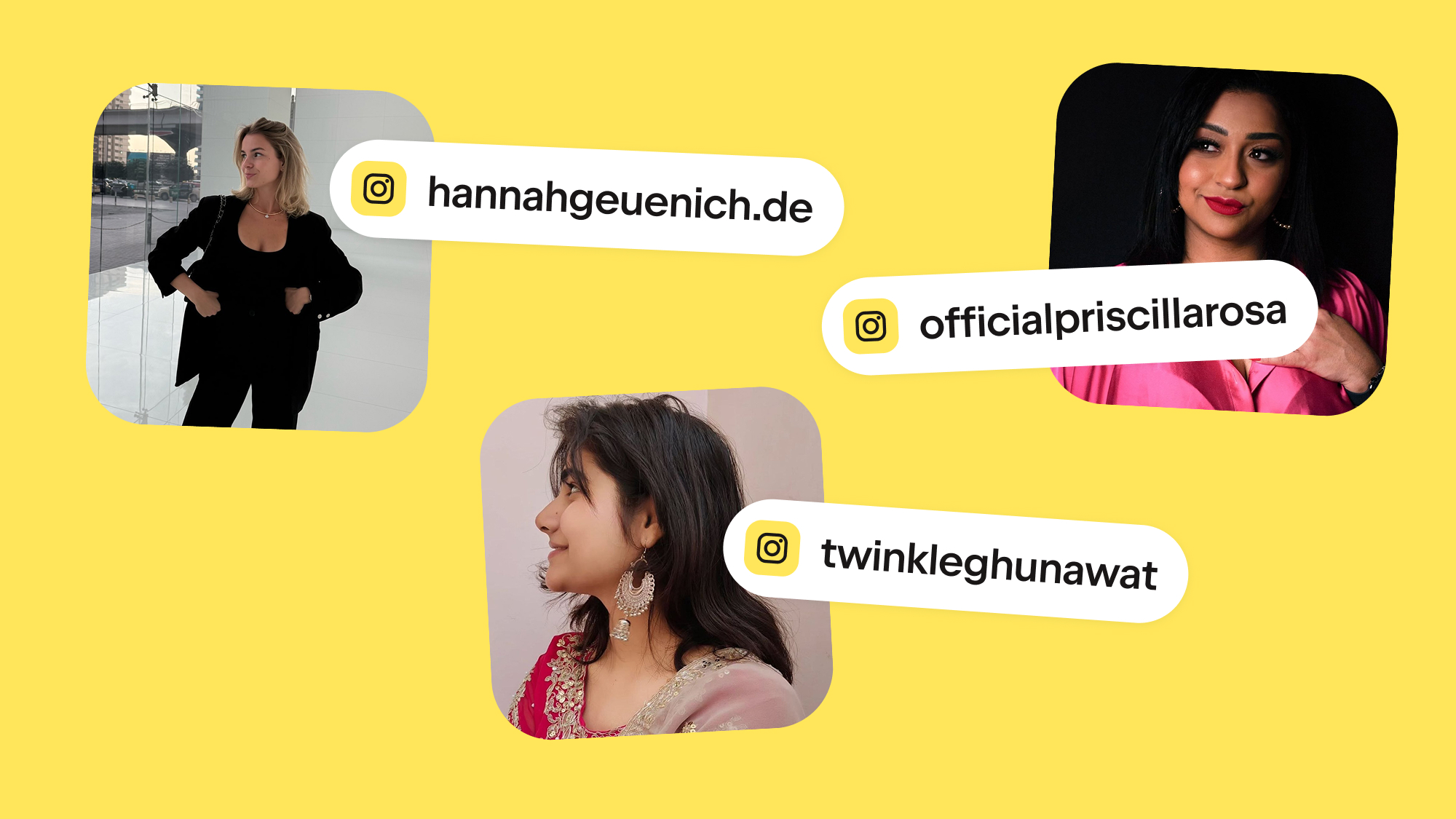
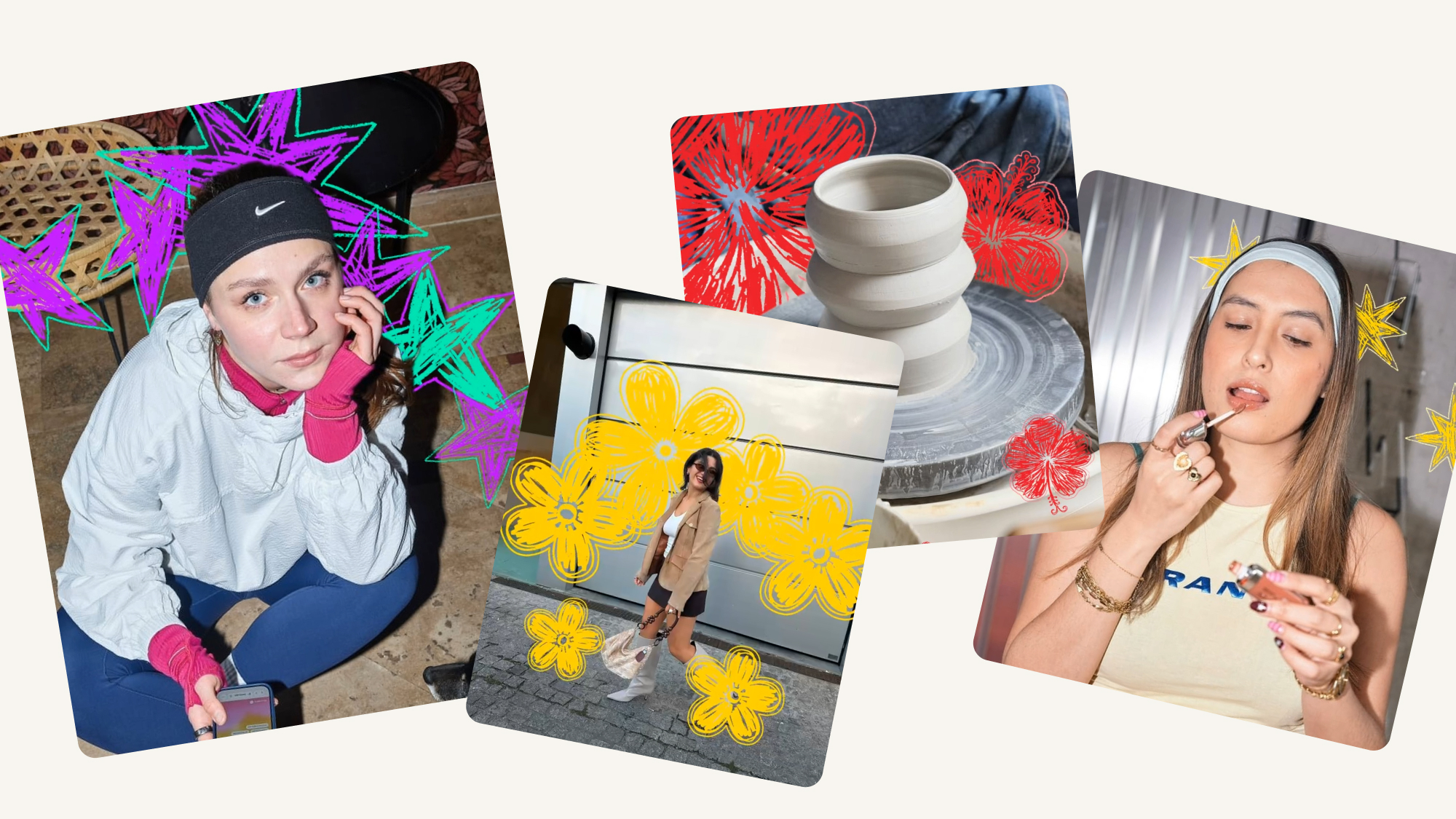
Send a photo with the words "Animate my photo," and Kinetik brings it to life.
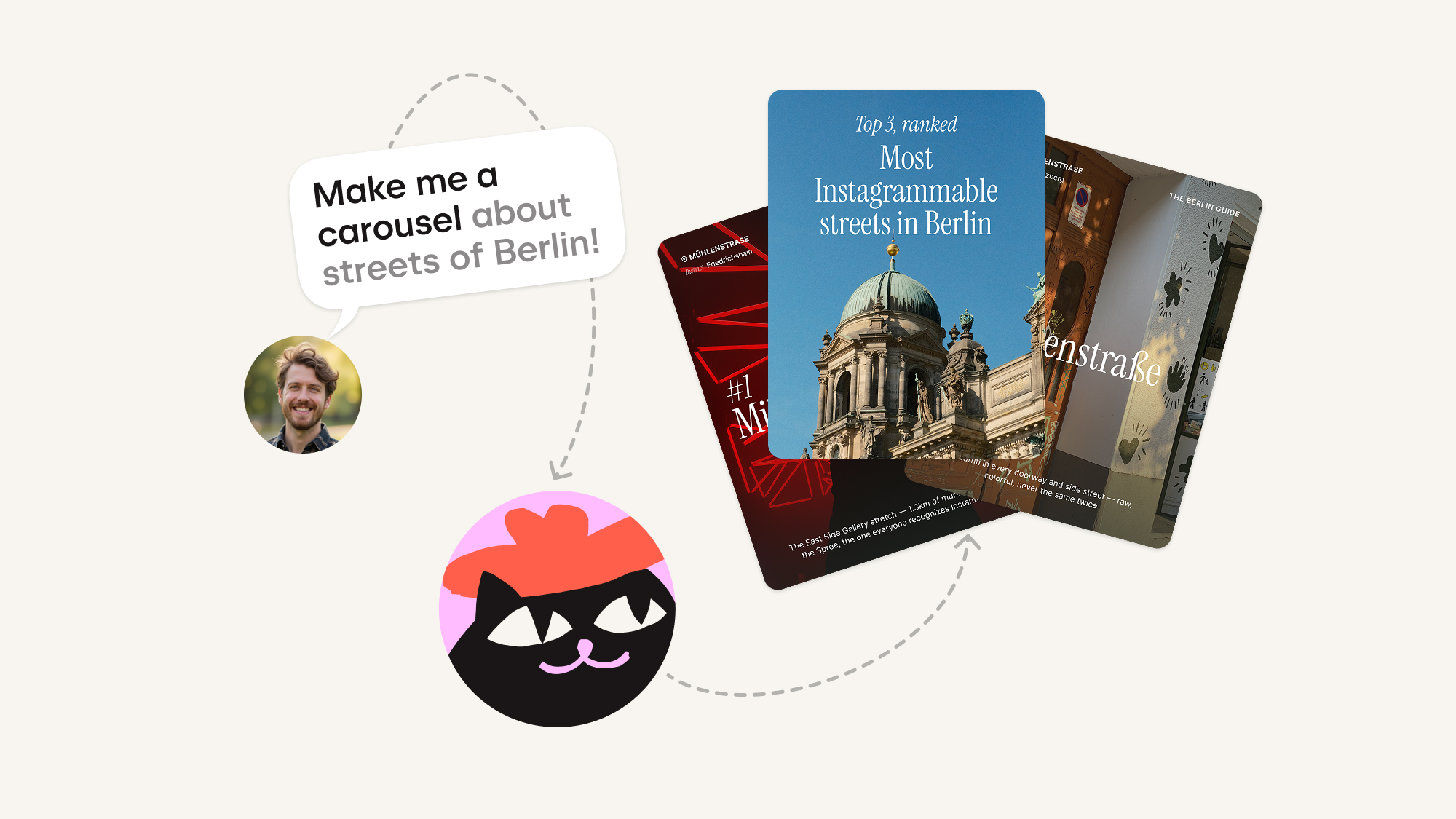
Bring a topic, and Kinetik writes the slides, chooses the images, and lays out the whole set — you just review, tweak, and publish.